
12
December
25
No items found.
Filter your dashboard by month
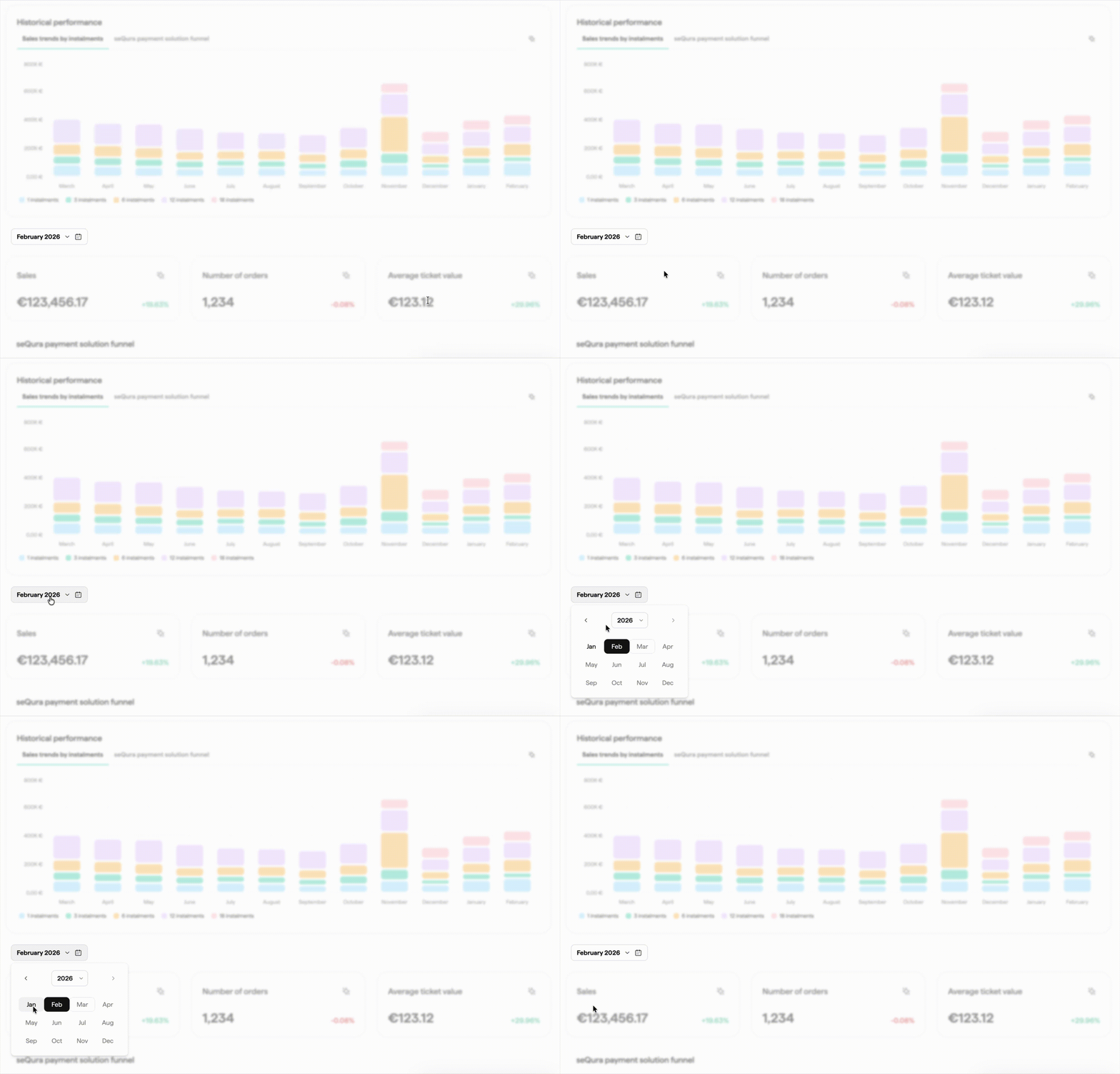
You can now select a specific month to filter the metrics on your dashboard. We've updated the dashboard structure to display your data in two clear sections: a Historical section covering the last 12 months, and a Monthly section focused on the last completed period.
Choose any month from the date picker to instantly update the metrics displayed — making it easier to analyse past performance, spot seasonal trends, and compare results across different periods. No more scrolling through aggregated data to find what you need: the dashboard now works around the timeframe that matters to you.
Más novedades